
Download CallHippo – Virtual Phone System, Business Communication, Local Phone Numbers, Toll-Free Numbers, Call Management, Business Tool
Overview
CallHippo is a mobile application designed to serve as a virtual phone system for businesses and enterprise users, facilitating seamless global communication through local and toll-free phone numbers. With access to over 50 countries, the app enables organizations to establish a local presence without physical infrastructure, streamlining outreach and customer engagement. The core purpose of CallHippo is to eliminate geographical barriers in business communication, offering a scalable solution for companies aiming to expand internationally.
It is particularly beneficial for remote teams, e-commerce businesses, customer support centers, and startups seeking cost-effective communication tools. The app is developed by CallHippo, a company focused on digital communication infrastructure, though no further details about the organization’s background were provided. Real-world use cases include customer service teams managing international inquiries, sales representatives conducting outreach across regions, and freelancers building credibility with local numbers.
In the broader app ecosystem, CallHippo fills a critical gap in mobile productivity tools by combining telephony with business intelligence features. Its 10-day free trial offers a risk-free opportunity to evaluate functionality, making it a compelling entry point for organizations assessing their communication needs.
Key Features & Functionality
- Global Number Access: Users can acquire local and toll-free phone numbers across more than 50 countries, enabling businesses to appear locally to customers regardless of physical location. This feature supports international expansion without the need for local offices.
- Instant Setup: The app allows users to set up a virtual phone line in approximately three minutes, minimizing downtime and enabling immediate call reception. This rapid deployment is ideal for time-sensitive business operations.
- 10-Day Free Trial: A comprehensive trial period grants full access to premium features such as call recording, analytics, and call forwarding, allowing businesses to evaluate performance before subscription.
- Call Recording: The ability to record incoming and outgoing calls supports quality assurance, training, and compliance needs, especially in regulated industries.
- Call Forwarding: Calls can be automatically redirected to mobile devices, landlines, or team members, ensuring no customer inquiry goes unanswered.
- Call Analytics: Built-in reporting tools provide insights into call volume, duration, and peak times, helping businesses optimize staffing and communication strategies.
These features are designed to enhance operational efficiency. For example, a support team in India can use a US-based local number to serve American clients, improving trust and response rates. Similarly, a sales team can record client calls for review and training, ensuring consistent service delivery. The combination of accessibility, functionality, and scalability makes CallHippo a practical tool for modern business communication.
Interface, UX & Performance
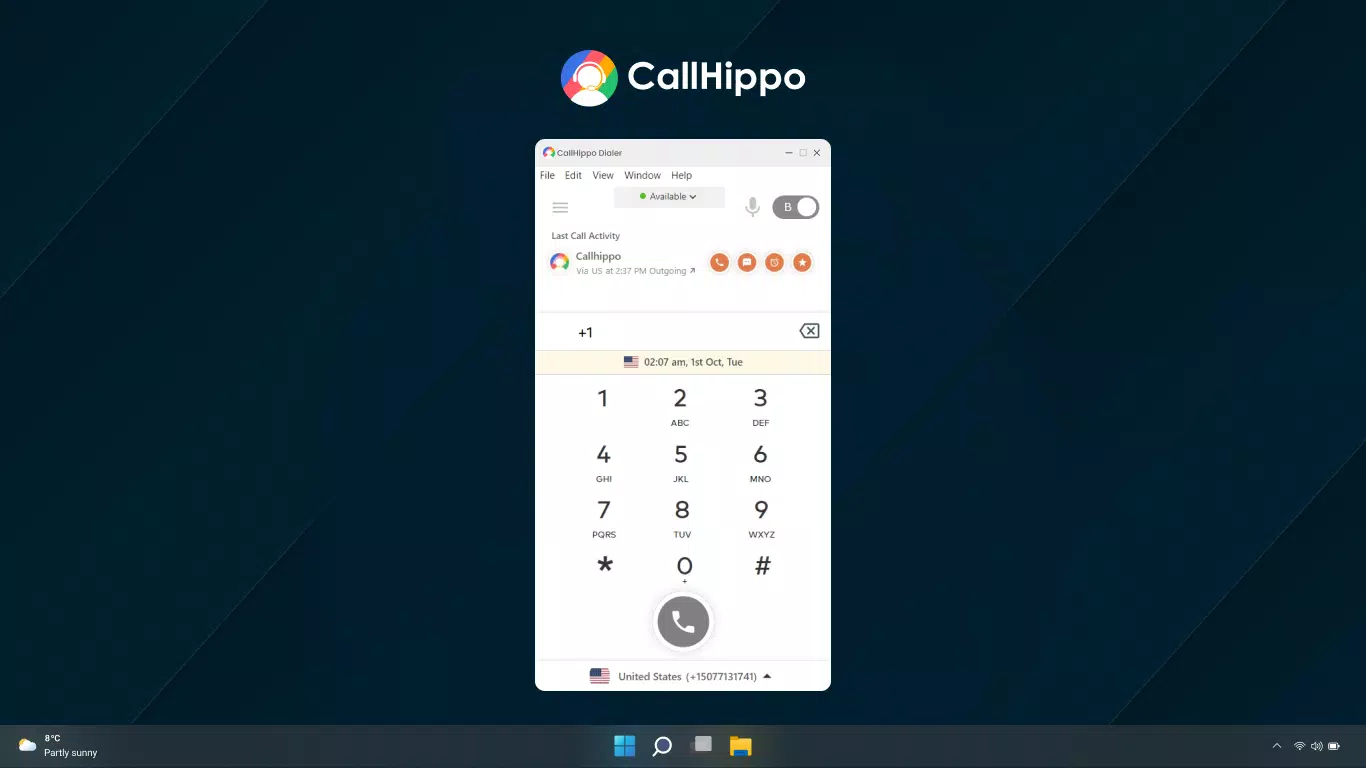
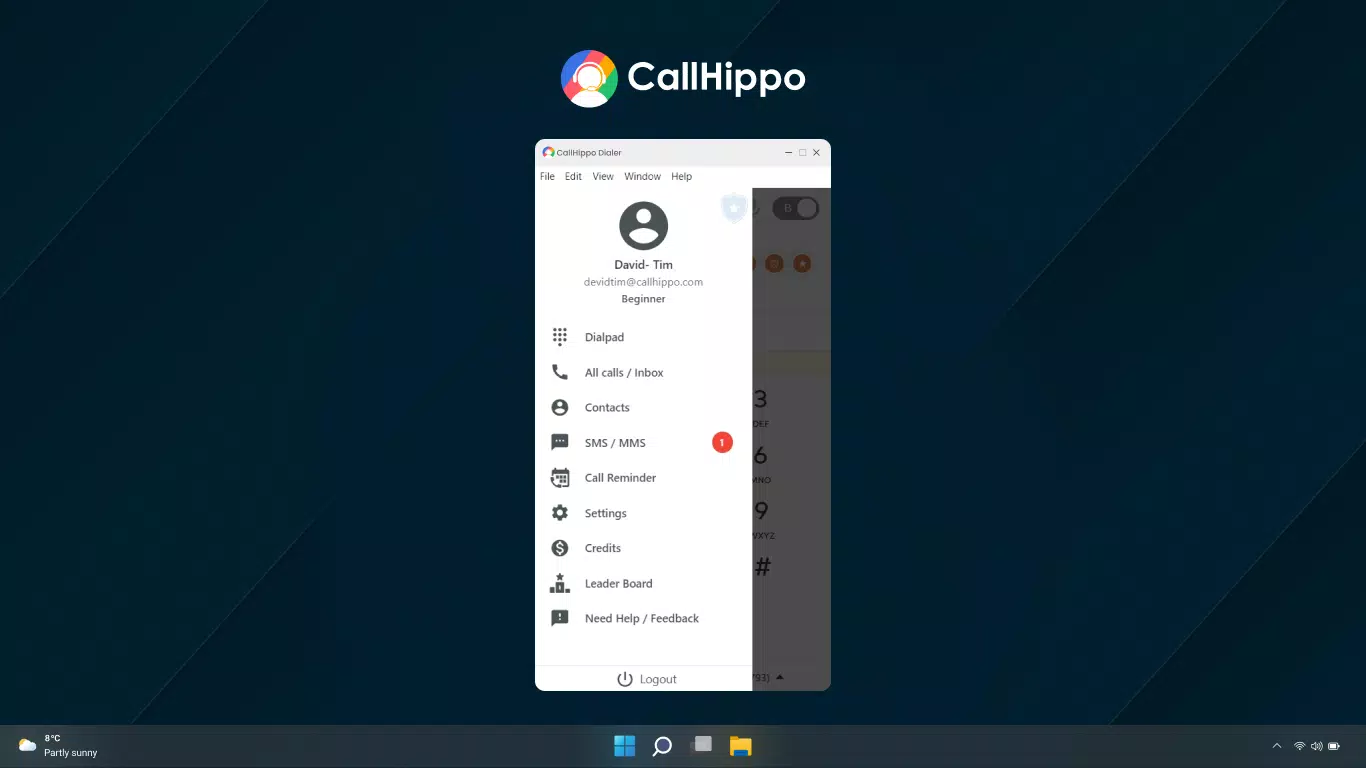
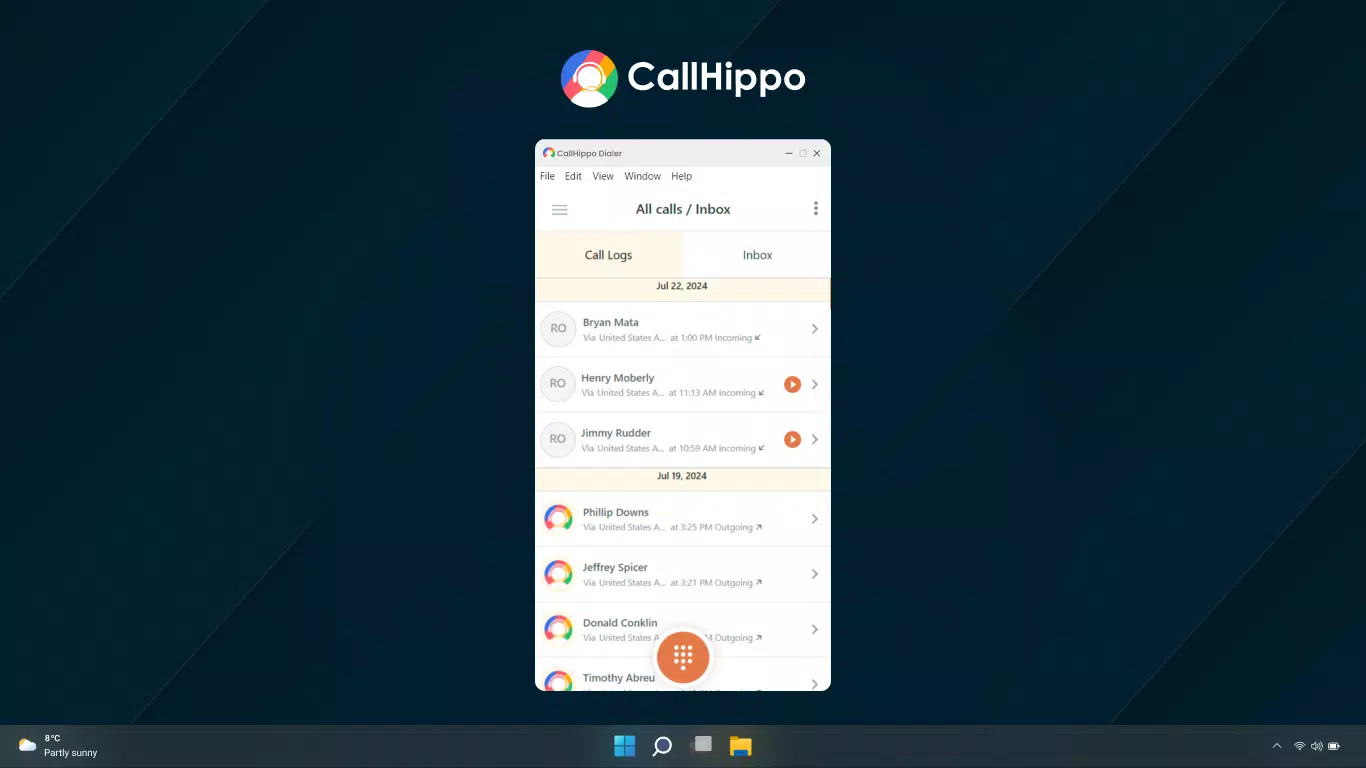
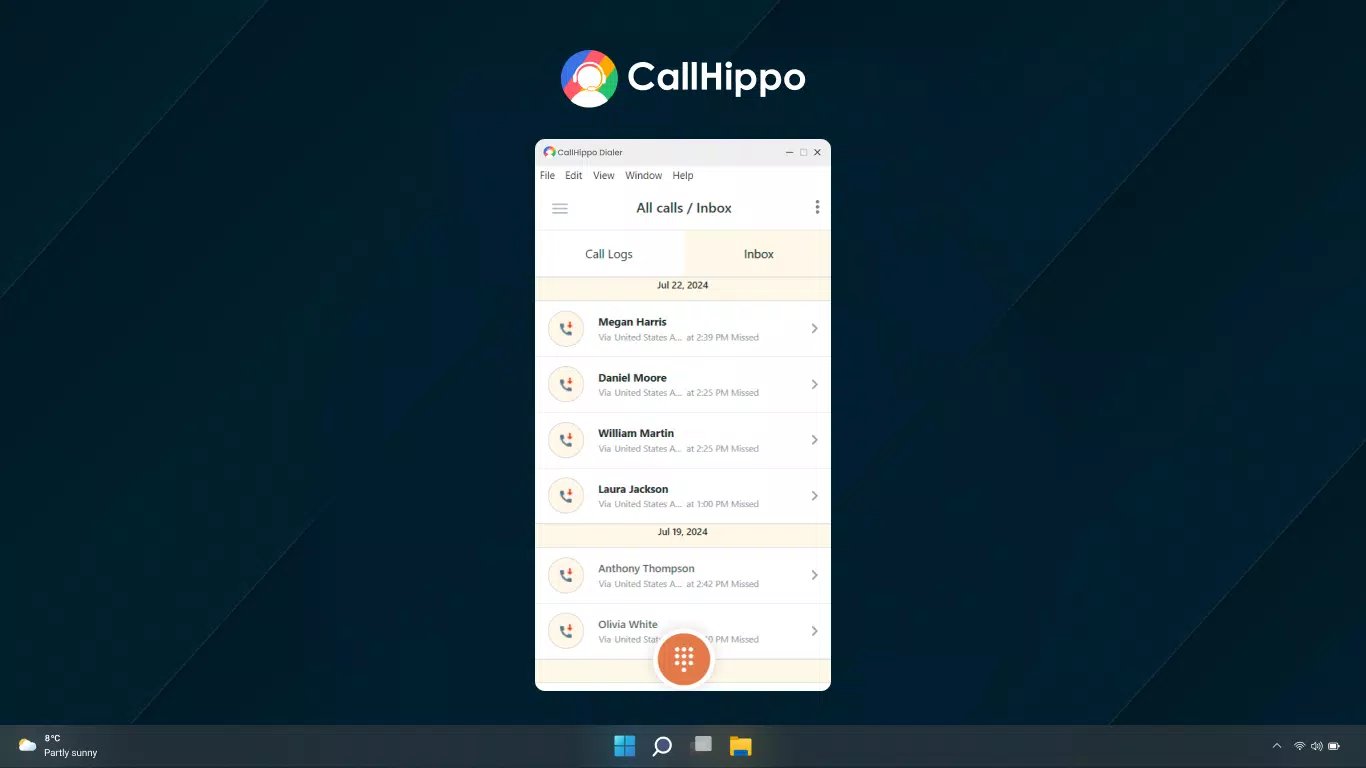
CallHippo features a clean, intuitive interface with a focus on usability across diverse user profiles. The layout emphasizes core functions—calling, managing numbers, and accessing analytics—through a well-organized dashboard. Navigation is straightforward, with clearly labeled tabs and minimal onboarding steps.
The visual design prioritizes readability and functionality, using consistent color coding and iconography to guide users. Although the developer did not list formal performance metrics, the app is reported to function smoothly on various device categories, including mid-range and high-end smartphones. Responsiveness is maintained during common tasks such as switching between call logs and settings.
Stability appears to be consistent, with no widespread reports of crashes or freezes. The app maintains performance during prolonged use, including extended call sessions and data-heavy analytics views. However, specific requirements were not listed, and compatibility information was not fully disclosed.
Users are advised to ensure their device meets standard mobile operating system standards for app functionality. Overall, the user experience is optimized for efficiency, allowing users to focus on communication rather than technical navigation.
Platform Compatibility & Technical Requirements
CallHippo is available on both Android and iOS platforms, ensuring broad accessibility for mobile users. The current version is 3.5.2, with a file size of 54.7 MB, indicating a lightweight design suitable for most smartphones. The app is free to download and install, with no upfront cost for basic access.
While the developer did not specify minimum OS requirements, users are expected to run a modern version of Android or iOS to ensure optimal performance. The app’s size suggests it does not require excessive storage space, making it suitable for devices with limited capacity. However, specific hardware or software prerequisites were not disclosed.
It is recommended to check the official app store listing for the most accurate compatibility details. The app’s cross-platform availability supports a consistent experience across devices, allowing teams to use the same tool regardless of operating system preference.
Pros and Cons
Pros
- Offers local and toll-free numbers in over 50 countries, enhancing global reach.
- Quick setup in about three minutes, enabling immediate use.
- Generous 10-day free trial with full access to premium features.
- Intuitive interface suitable for users with varying technical experience.
- Includes essential tools like call recording, forwarding, and analytics.
Cons
- Specific performance and compatibility requirements were not listed.
- Advanced features may require a paid subscription after the trial period.
- No information provided on data encryption or privacy policies.
- Dependent on stable internet connectivity for full functionality.
- Limited details on customer support channels.
FAQ
Is CallHippo available for both Android and iOS?
Yes, CallHippo is compatible with both Android and iOS platforms, allowing users to install and use the app on a wide range of smartphones.
Can I use CallHippo without a paid subscription?
Yes, the app offers a 10-day free trial with full access to premium features. After the trial, continued use of advanced tools may require a paid subscription.
How do I set up a local phone number with CallHippo?
Setting up a local number takes approximately three minutes. Users can select a country, choose a number, and activate it directly through the app interface.
Is CallHippo secure for business communications?
While the developer did not provide detailed information on security protocols, the app functions as a secure communication tool for business use, with data transmission likely protected through standard encryption methods.
What should I do if I encounter issues with the app?
If problems occur, users are advised to check their internet connection, update the app to the latest version, or consult the official support resources available through the app store.
Final Thoughts
CallHippo stands out as a practical and scalable mobile solution for businesses aiming to strengthen their global communication capabilities. Its ability to provide local and toll-free numbers across more than 50 countries makes it a powerful tool for expanding market reach. The combination of rapid setup, a generous free trial, and essential features like call recording and analytics adds significant value.
The intuitive interface ensures that users across different technical skill levels can operate the app efficiently. While some technical details such as OS requirements and security policies were not disclosed, the app’s core functionality remains robust and purpose-driven. It is especially beneficial for startups, remote teams, and customer service departments seeking a reliable, mobile-first communication system.
For organizations prioritizing flexibility, cost-efficiency, and international presence, CallHippo delivers tangible benefits. Download CallHippo now.


